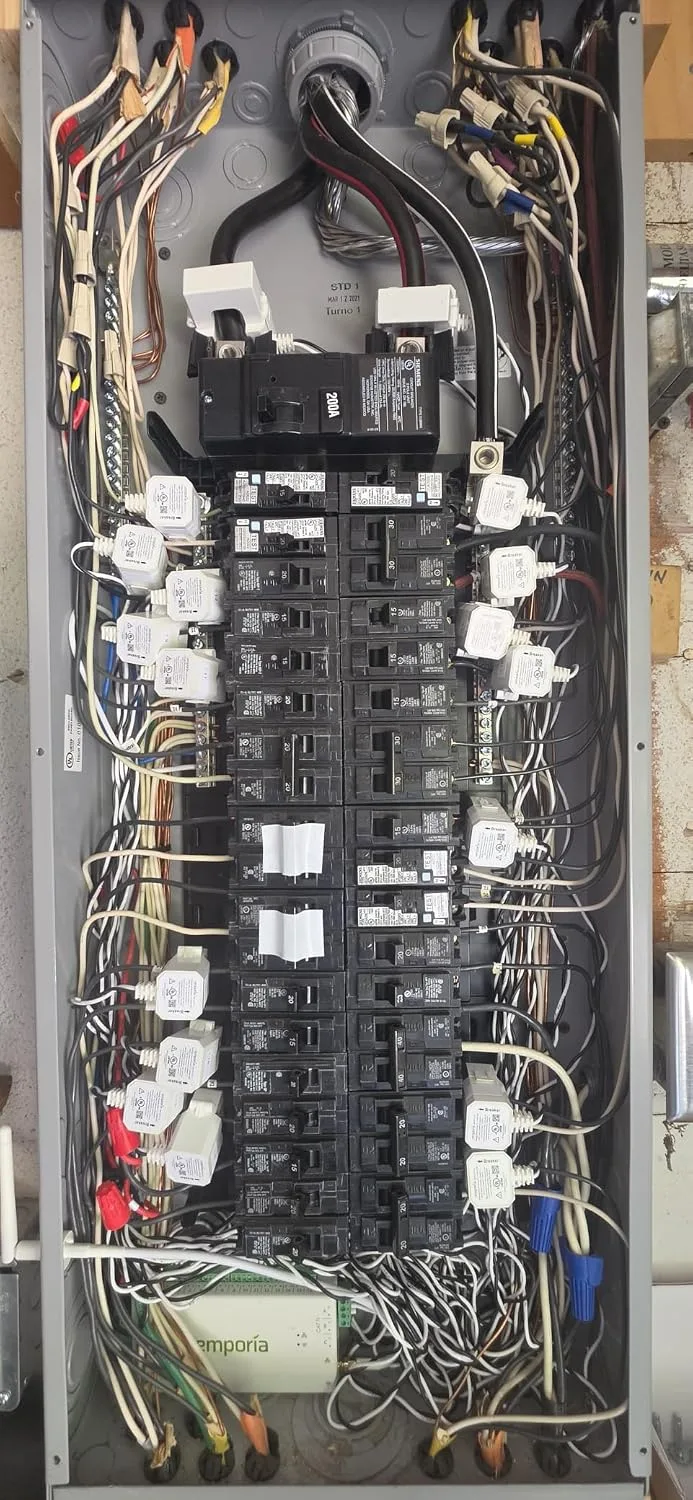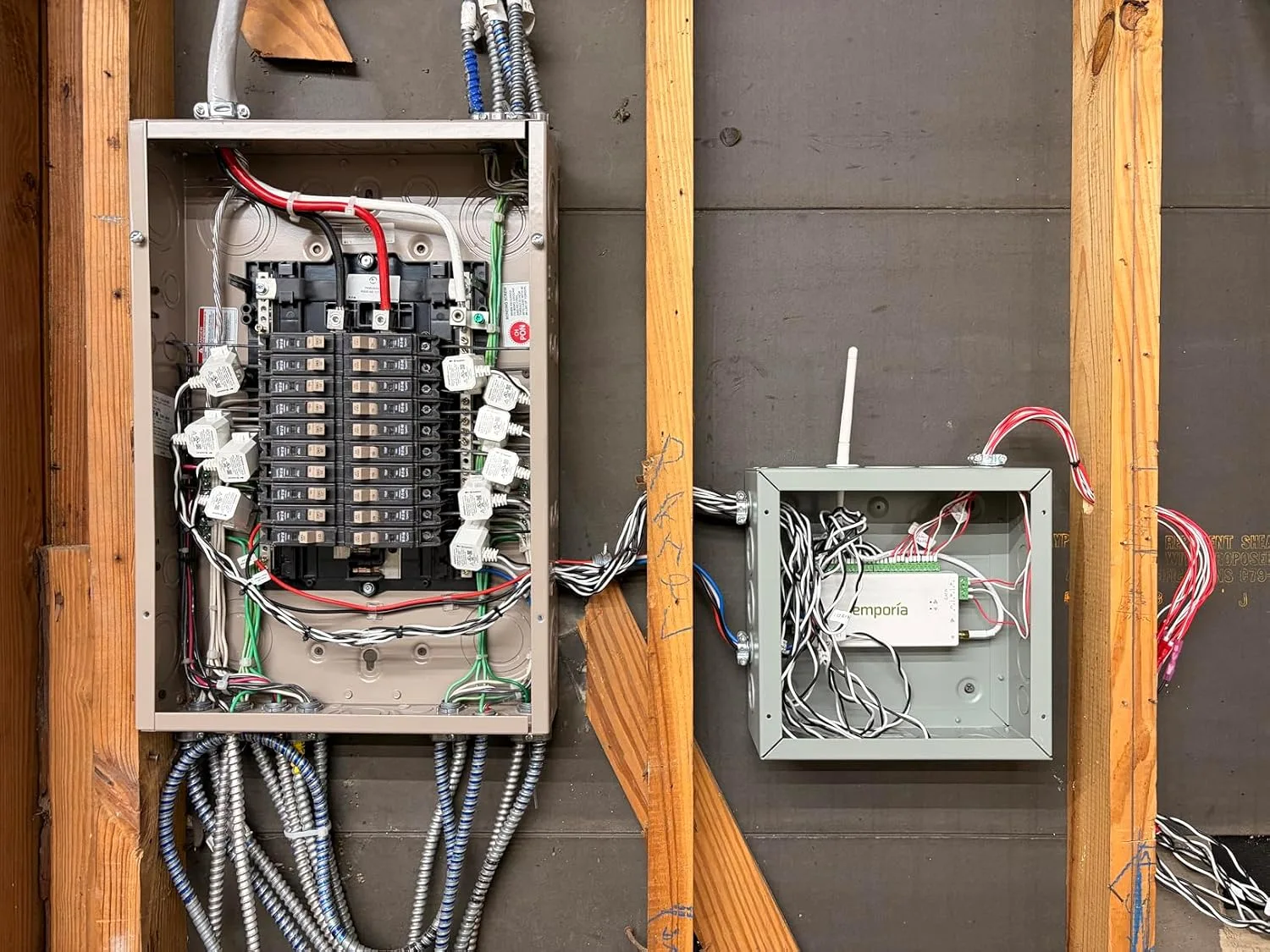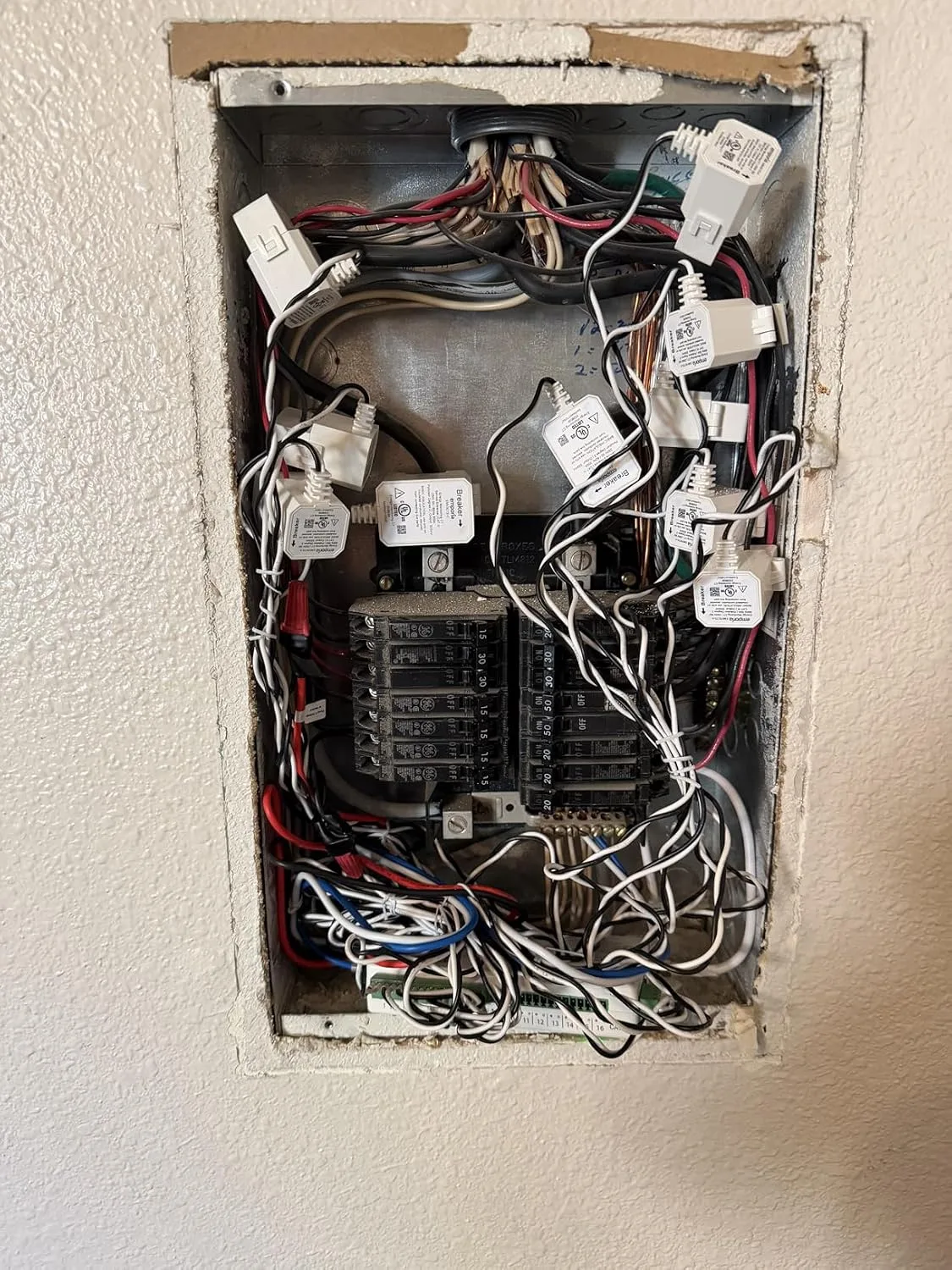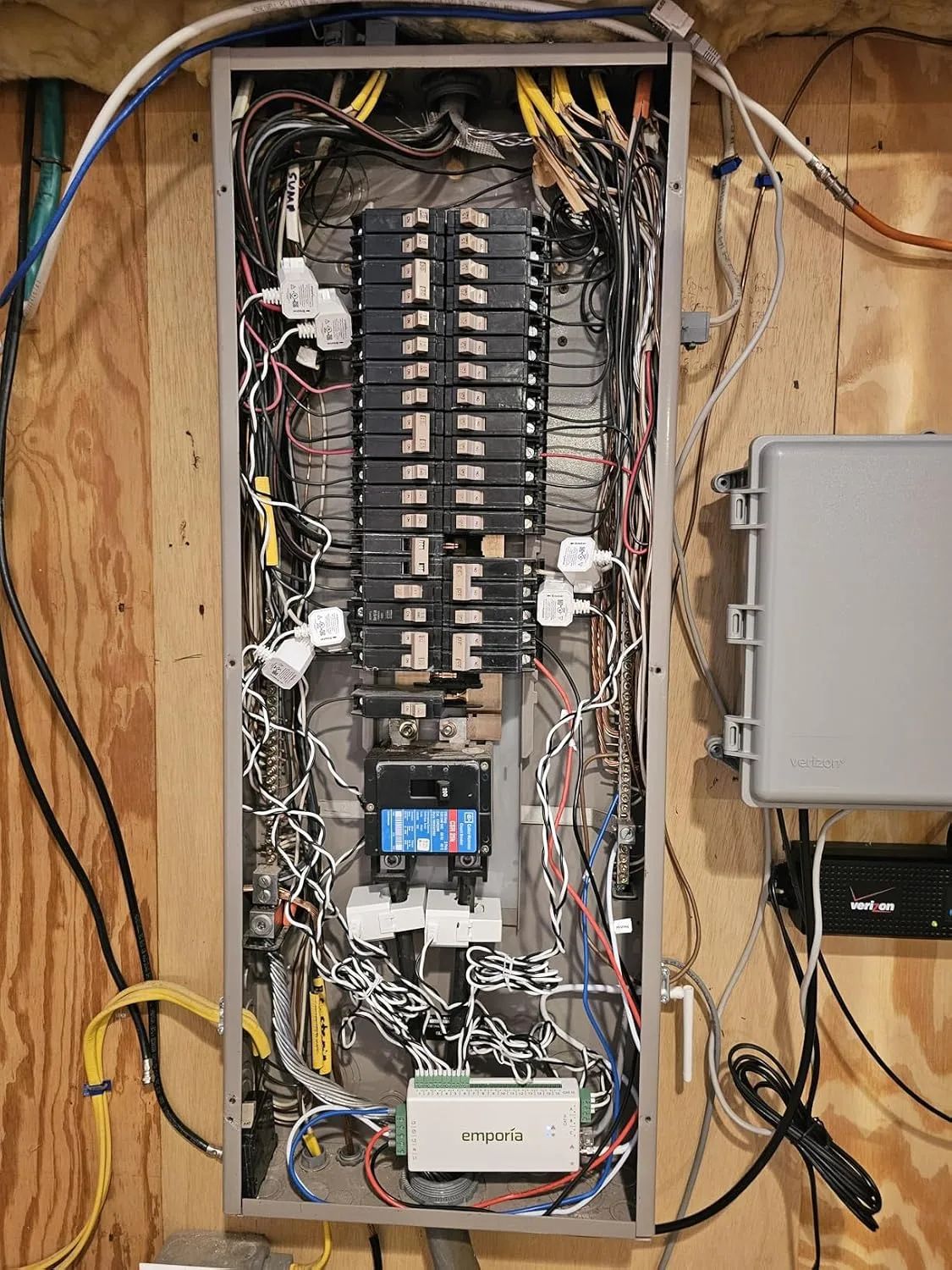
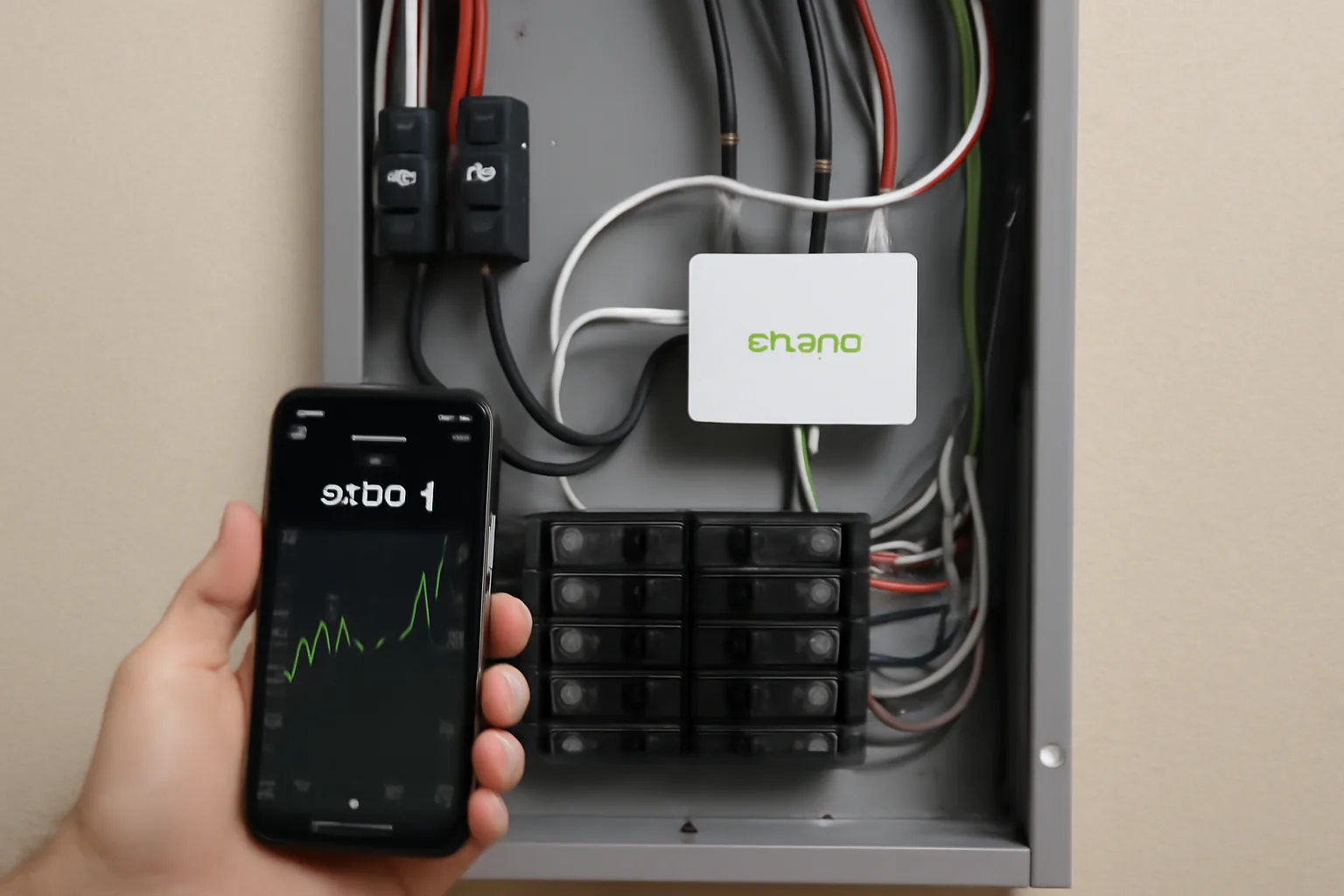
Last fall, I installed a home energy monitor on my own panel and the home energy monitor panel results genuinely surprised me. I’ve been a licensed electrician for 12 years. I thought I had a solid picture of where my electricity was going. I was wrong — by a significant margin. Within 48 hours of installation, I identified three separate phantom load sources draining over $340 a year from my wallet. That number stopped me cold.
Here’s the thing: most homeowners have no idea what’s actually pulling power in their homes. Your utility bill gives you a total. It tells you nothing about which circuit, which appliance, or which hour of the day is killing your budget. An energy monitor changes that completely. It gives you circuit-level visibility in real time — and once you see the data, you cannot unsee it.
In this post, I’m going to walk you through exactly what I found after putting a monitor on my own panel, what surprised me most, and what I recommend based on both personal use and dozens of professional installations. If you’ve been curious about monitoring your home’s energy use, this is the most honest breakdown you’ll find.
What a Home Energy Monitor Actually Does (And Doesn’t Do)
Before I get into my results, let me clear up a common misconception. A home energy monitor does not control your energy use. It monitors it. Specifically, it uses current transformers — CTs — clamped around your panel’s circuit wires to measure amperage in real time. Combined with known voltage, it calculates wattage and kilowatt-hour consumption per circuit. No wiring gets cut. No circuits get interrupted.
That said, the data it produces is genuinely powerful. You can see, down to the minute, when your HVAC kicks on, how long your water heater holds temperature, and whether your refrigerator is cycling normally. In my experience, that granularity is where the real value lives. Aggregate monthly data is interesting. Real-time circuit data is actionable.
One limitation worth being honest about: most monitors, including the one I use, rely on your home’s Wi-Fi to transmit data to a cloud dashboard. If your router goes down, you lose real-time visibility temporarily. The device still logs locally in most cases, but it’s worth knowing upfront. Also, the CT sensors require physical space inside your panel — older, overcrowded panels may need a cleanup before installation is practical.
My Home Energy Monitor Panel Results: The Shocking Numbers
I installed my monitor on a Tuesday evening. By Thursday morning, I had enough data to start drawing conclusions. Here’s what stood out immediately.
The Phantom Load Problem
My home was drawing a consistent 380–420 watts even at 2 AM when everything was “off.” That’s called standby load or phantom load — devices consuming power while appearing idle. Over a full year, at my local rate of $0.13/kWh, that baseline costs me roughly $485 annually just to exist. I expected some of this. I did not expect that much.
The three biggest culprits I identified were a second refrigerator in the garage (187W average), an older plasma TV in the basement left in standby mode (68W — plasma TVs are notorious for this), and an always-on gaming console with quick-start enabled (54W). Killing those three habits and unplugging the garage fridge seasonally when it’s near empty saves me an estimated $340 per year. That math was immediate and undeniable.
The HVAC Runtime Revelation
My heat pump was cycling 23 times per day in mild October weather. That’s excessive. Normal for a properly sized system in moderate conditions is closer to 8–12 cycles. Short cycling like that strains the compressor, wastes energy on startup draw, and signals either a thermostat issue or a refrigerant problem. I would never have caught this from a monthly bill.
I pulled out my refrigerant gauges, checked the system, and found the TXV (thermostatic expansion valve) was partially restricted. A $180 service call fixed it. My HVAC circuit went from averaging 4,200W at startup with constant short cycles to clean, efficient 14-minute runs. My heating costs dropped noticeably that month. This is exactly why real-time data matters.
Water Heater Behavior I Didn’t Expect
My electric water heater was recovering heat four times between midnight and 6 AM. Nobody in my house was using hot water. After some investigation, I traced it to a slow drip on the hot side of a bathroom faucet — about 1 drip every 4 seconds. That tiny leak was costing me an estimated $90/year in water heating alone, plus water waste. A $4 washer fixed it. The energy monitor found it in 24 hours.
The Monitor That Made Me Question 12 Years of Assumptions
You can’t fix what you can’t see. I thought my electrical knowledge meant I already knew where my power was going—until real data proved me dead wrong. A whole-home energy monitor strips away the guesswork and shows you exactly which circuits are bleeding money, in real time.
What works
- Circuit-level breakdown catches phantom loads you’d never spot otherwise—I found three separate drain sources within 48 hours that were costing me $340 a year each.
- Real-time data visualization makes the invisible visible; you watch usage spike when things turn on, which trains your eye to spot inefficient behavior you’ve been blind to.
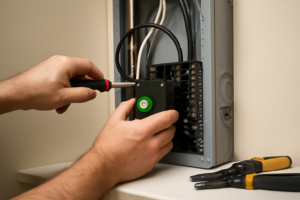
- Installation into an existing panel is straightforward for anyone comfortable working inside—took me under an hour, and I had confidence in the setup because I could verify it myself.
What doesn’t
- The learning curve on the app is steeper than it should be—took me a few sessions before I understood how to drill down into the data I actually needed.
- You need a functional home Wi-Fi network for the app to work reliably; if your router is unreliable, you’ll have gaps in your data that frustrate the whole purpose.
I almost talked myself out of buying one—the upfront cost felt high for “just watching numbers.” But within two days, the ROI was undeniable. If you’re serious about finding phantom loads and understanding your actual consumption patterns, grab the Emporia Vue 3 Home Energy Monitor.
This post contains affiliate links. As an Amazon Associate, I earn from qualifying purchases at no extra cost to you.