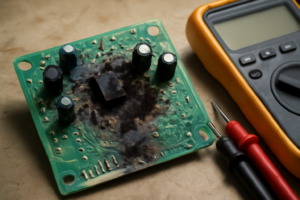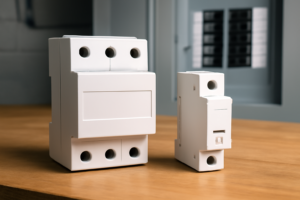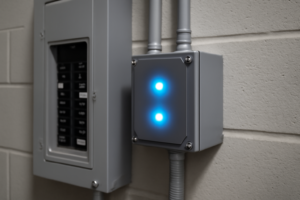
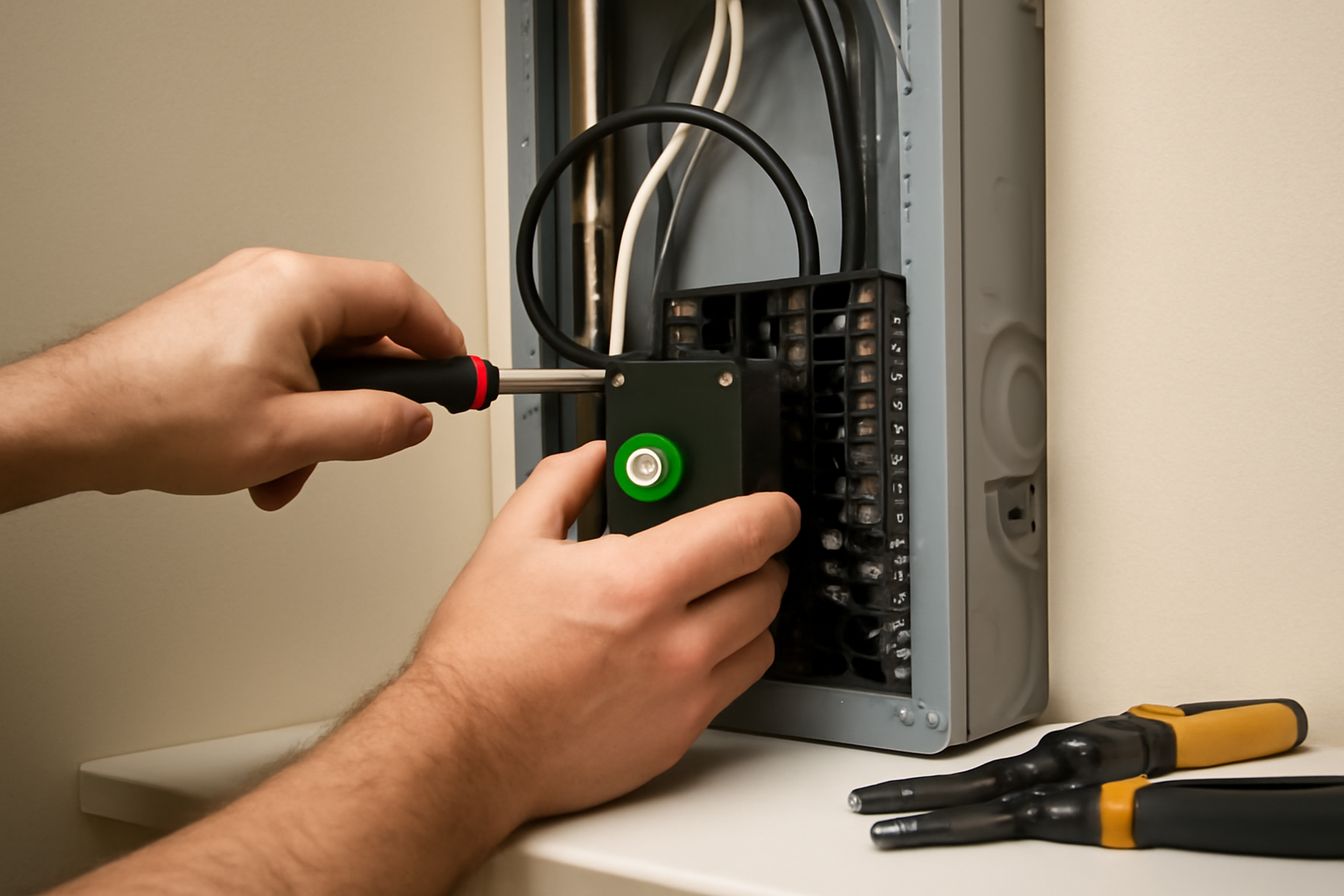

Last spring I walked through a house where a single lightning strike had taken out the refrigerator, both garage door openers, the smart thermostat, and a brand-new 65-inch TV — all in one shot. The homeowner had point-of-use surge strips on the TV and the computer. None of it mattered. That’s the reality of transient voltage events, and it’s exactly why I tell every single one of my clients to install a whole-home surge protector before they spend another dollar on smart appliances or home automation gear.
Forcing a breaker onto a bus it was not listed for gives you a loose, high-resistance connection. That connection heats up, and heat at a panel bus is how you get arcing and a panel fire — sometimes months after the install, long after it looked fine. Using a breaker in a panel it is not listed for also violates NEC 110.3(B), voids the panel’s UL listing, and is a common reason a fire claim gets denied.
Your panel brand is on the label inside the door, along with a list of the breaker catalog numbers accepted. If the label is missing or unreadable, or if you are not certain, have a licensed electrician identify the panel and supply the matching SPD. There is a listed whole-home SPD for every common panel line — buy the one that matches yours.
A whole-home surge protector — also called a Type 1 or Type 2 SPD (Surge Protective Device) — mounts directly at your main panel and catches voltage spikes before they travel downstream into your circuits. Point-of-use strips are a second layer of defense. They are not a first layer. That distinction matters more than most homeowners realize, and in 12 years of residential electrical work, I’ve seen the damage that happens when people get that order wrong.
In this post I’m going to walk you through exactly what this job looks like when it’s done right — the prep, the panel access, the wiring, the permit, and the inspection. I’ll tell you where it gets tricky, what it should cost, which device I install, and why the one part of this you should never do yourself is the part that takes the least time.
What a Whole-Home Surge Protector Actually Does
Check your panel brand first — this unit is listed for Square D Homeline loadcenters only.
Before touching any tools, it helps to understand the mechanism. Surge protectors work by clamping voltage — when a spike hits above the device’s rated threshold, the SPD diverts that excess energy to ground. The key spec to look for is the clamping voltage and the surge current rating, measured in kiloamperes (kA). A quality whole-home unit is rated at 40kA or higher per phase.
The NEC covers SPDs in Article 242 (it was Article 285 until the 2020 cycle renumbered it). Section 230.67 has required surge protection on dwelling unit services since that same 2020 cycle, and the 2023 cycle extended it to any service equipment replacement — so if you’re upgrading a panel, an SPD isn’t optional anymore, it’s part of the permit. That’s a code change that was a long time coming. I’ve been recommending these devices since well before they were required.
In my experience, most residential surges don’t come from lightning. They come from inside the house — HVAC compressors cycling on and off, refrigerator motors, even LED dimmers creating small repetitive spikes. These “internal” transients are lower in magnitude but relentless. Over months and years, they degrade sensitive electronics. A whole-home SPD catches all of it at the source.
Tools, Materials, and What the Job Costs
Let’s talk about what you’re actually buying and spending. The SPD device itself typically runs between $50 and $150 for a quality residential unit. Installation by a licensed electrician — which this job always requires, no exceptions — usually adds $100 to $200 in labor. This is service-equipment work: nearly every AHJ requires a permit and an inspection, and most restrict it to a licensed contractor. Doing it yourself isn’t a $150 saving, it’s an uninspected modification to your service that your insurer can decline to cover. Total out-of-pocket for most homeowners lands between $150 and $350, depending on your region and panel accessibility.
Here’s what’s in my bag for this job — worth knowing, because if your electrician shows up without the last three, ask questions:
- Flathead and Phillips screwdrivers (insulated handles)
- Non-contact voltage tester — for screening only, never as proof a conductor is dead
- Wire stripper rated for 10–14 AWG
- Needle-nose pliers
- Torque screwdriver or torque wrench with panel-appropriate settings
- Panel knockout punch or a drill with step bit
- Flashlight or headlamp
- A rated contact voltmeter plus a proving unit, to verify the meter on a known live source before and after testing
- Lockout device and tag for the main disconnect
- Arc-rated face shield, balaclava, and arc-rated long sleeves — the items no DIY tool list ever includes
For materials beyond the SPD itself, you’ll need two slots in your breaker panel for the dedicated 2-pole breaker that most plug-in style units require. Some SPDs mount directly to the neutral/ground bar without needing a breaker — those are Type 1 units and require a different installation approach. Type 2 is what goes on most existing homes, and it’s what I’m describing here — but “Type 2” describes where the device connects, not who’s allowed to connect it.
What the Install Actually Involves (and Why It’s a Licensed Job)
I want to be direct with you, because this is the part most articles skip: the top of a main panel is energized at full service voltage whether or not the main breaker is off. The main breaker only opens the load side. The service lateral, the lugs feeding it, and the breaker’s own line terminals stay hot until the utility pulls the meter — and that meter is sealed, because pulling it is utility work, not homeowner work.
The risk there isn’t only shock. A residential service entrance can deliver 10,000 amps or more of available fault current. A dropped screwdriver, a slipped deadfront, or one stray strand of wire across those lugs starts an arc flash — an explosion of ionized copper hot enough to cause third-degree burns through a cotton shirt at arm’s length. Insulated screwdriver handles do nothing about that. Arc-rated clothing, a face shield, and the training to know the incident energy you’re standing in front of are what qualified electricians use, and that’s the honest reason this is licensed work.
So what follows isn’t a how-to. It’s what to expect when your electrician does it, so you can tell a clean job from a sloppy one and know exactly what you’re paying for.
Step 1: Shutdown and Deadfront Removal — the Part That Isn’t Routine
The main gets shut off and locked out — an actual lockout device on the handle, not a note taped to the door. Then the deadfront screws come out, usually four to six around the perimeter, and the cover comes off flat and square so it never gets a chance to rock into the bus. Verifying dead is done with a rated contact meter, proven on a known live source before and after the test; a non-contact pen is a screening tool, it gives false negatives, and it is not proof of anything. And the service lugs at the top never test dead — they can’t, because the main breaker doesn’t open them. That is the whole reason this is a licensed job and not a Saturday project.
Step 2: Locating Two Adjacent Slots in a Compatible Panel
Most breaker-style SPDs snap into the panel exactly like a standard tandem or 2-pole breaker. Identify two adjacent open slots. If your panel is full, this is where the job gets complicated — you may need to consolidate circuits using tandem breakers first, which is a separate conversation. With open slots confirmed, the electrician seats the SPD breaker onto the bus and tugs it to verify it’s locked in. A breaker that isn’t fully seated is a future hot spot.
Step 3: Landing and Torquing the Lead Wires
Most whole-home SPDs come with factory-attached lead wires — typically 18 to 24 inches of 10 AWG wire in black, white, and green. The black wire connects to one terminal of the breaker, the white connects to the other terminal (in a 120/240V single-phase system, both breaker terminals are “hot” — the white wire is re-identified as a hot conductor here, per NEC 200.7). The green wire lands on the panel’s ground bus bar. Every connection gets torqued to the value printed on the panel label or in the device instructions, using a calibrated torque tool — NEC 110.14(D) requires exactly that. There is no “typical” number worth quoting; it varies by terminal and conductor size, and guessing is how you end up with the loose lug I’m about to describe. I learned this the hard way early in my career when a loose lug connection caused intermittent arcing that showed up months later as a discolored bus bar during a home inspection.
Step 4: Mounting, Reassembly, and the Inspection Sign-Off
Some SPDs have a separate module that mounts to the side of the panel or to the panel door. The manufacturer’s routing instructions govern the lead wires — they stay clear of energized bus bars and run neatly along the panel’s interior margins, and shorter leads clamp better than long ones. Once everything is landed and torqued, the deadfront goes back on and gets fully secured; power never comes back on with the cover off. Then the main is restored and the status light gets checked, since most quality SPDs show green while the protection modules are intact. But the job isn’t finished at the green light — it’s finished when the inspector signs the permit. Ask your electrician for the permit number when they schedule, and for the closed inspection record when they’re done. That record is what your insurer will want if the panel is ever part of a claim.
The Breaker That Stopped Me From Installing Strip Protectors on Every Outlet
After that lightning strike story, I realized point-of-use surge strips are just theater—they can’t protect what’s already inside your panel. A whole-home surge protector installed right at the main breaker is the only defense that actually works against transient voltage events.
What works
- Clamps voltage spikes before they enter the home’s wiring—protects everything downstream, not just one outlet or appliance
- Snaps into a spare breaker slot in a panel it’s listed for, so it’s a short add-on for the electrician rather than a rewire — most of the invoice is the trip, not the labor
- Status indicator tells you at a glance if the surge protection module is still active or needs replacement after a hit
What doesn’t
- Won’t protect against direct lightning strikes—nothing will—but it catches the voltage spikes that travel through utility lines, which is the majority of surge damage
- Takes up a full 2-pole breaker space, so you’ll need a spare slot in your panel or accept losing one circuit breaker to make room
The first time I opened a panel to install one of these, I second-guessed whether homeowners would actually pay for it—until I remembered that refrigerator and TV, both gone in a fraction of a second. Grab a Square D by Schneider Electric HOM2175SB Homeline SurgeBreaker and stop gambling with your family’s electronics.
This post contains affiliate links. As an Amazon Associate, I earn from qualifying purchases at no extra cost to you.
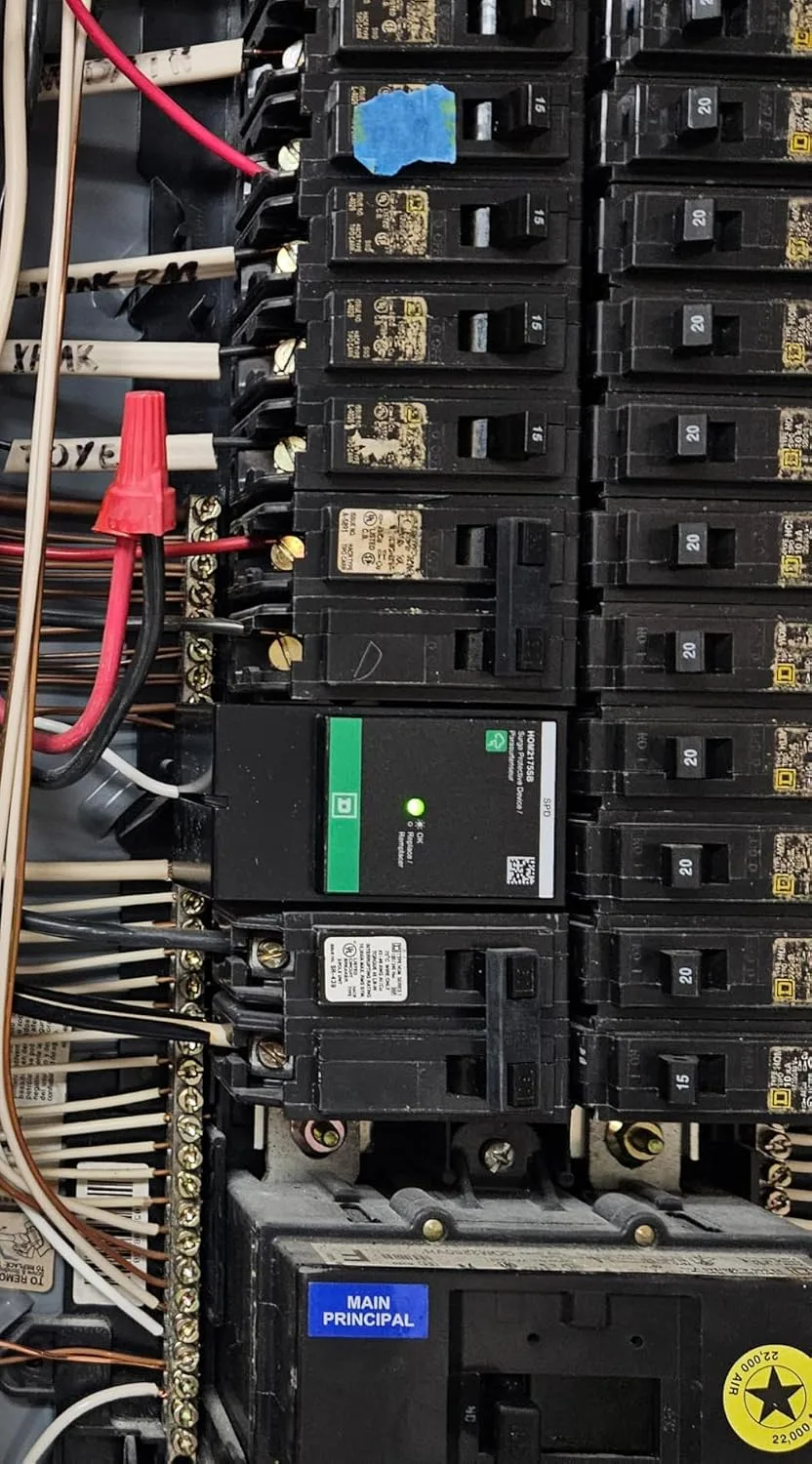
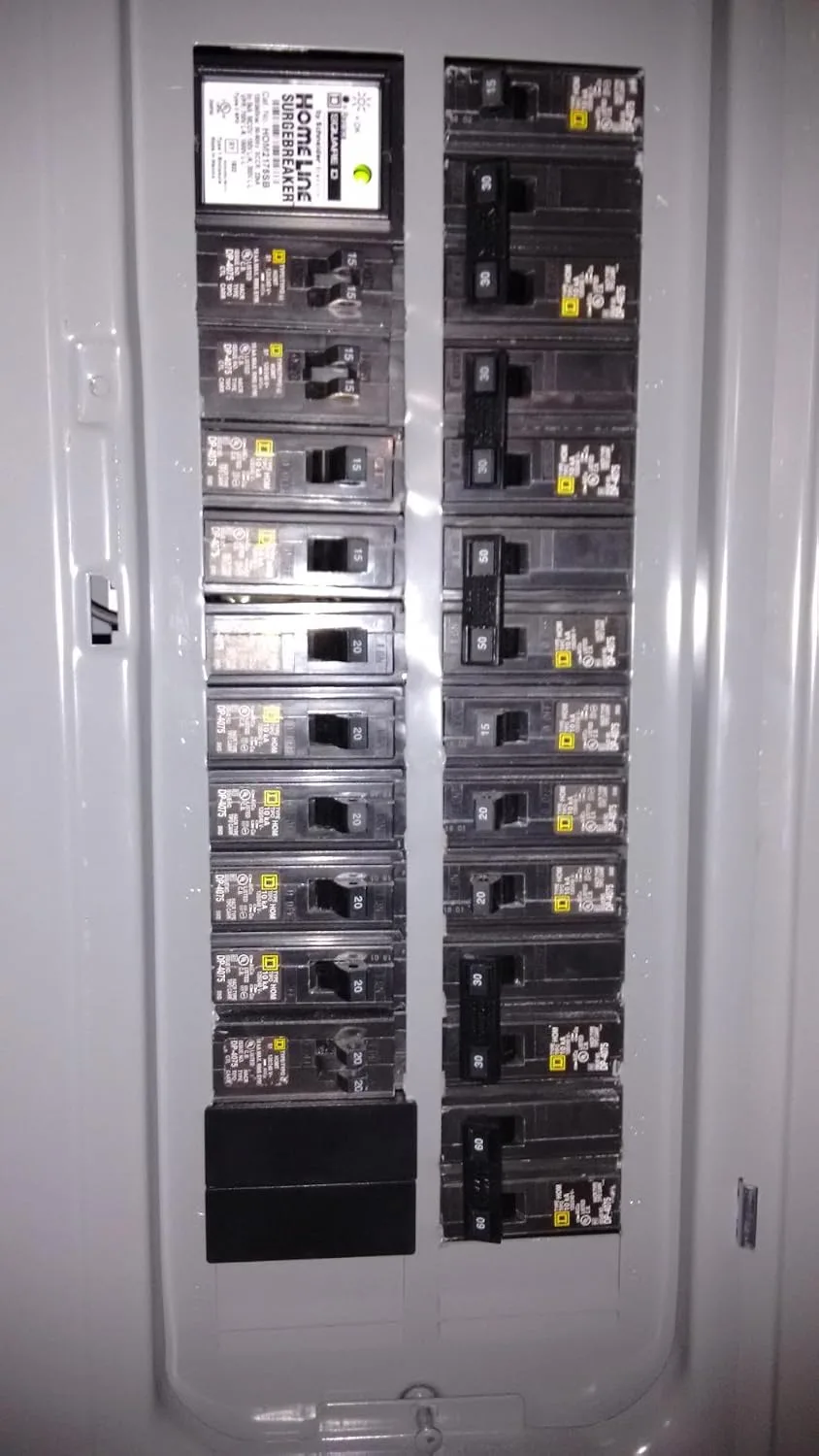
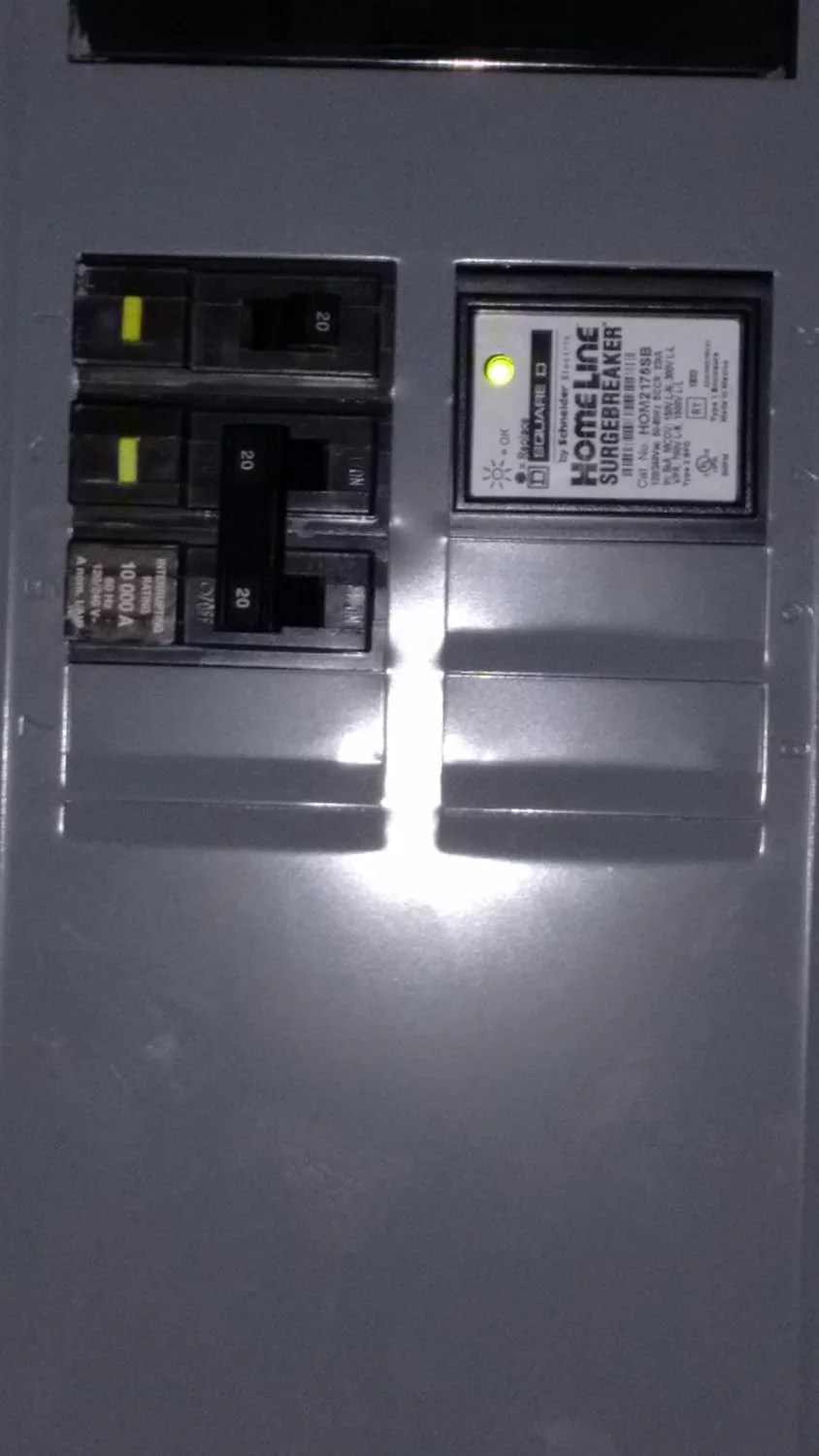
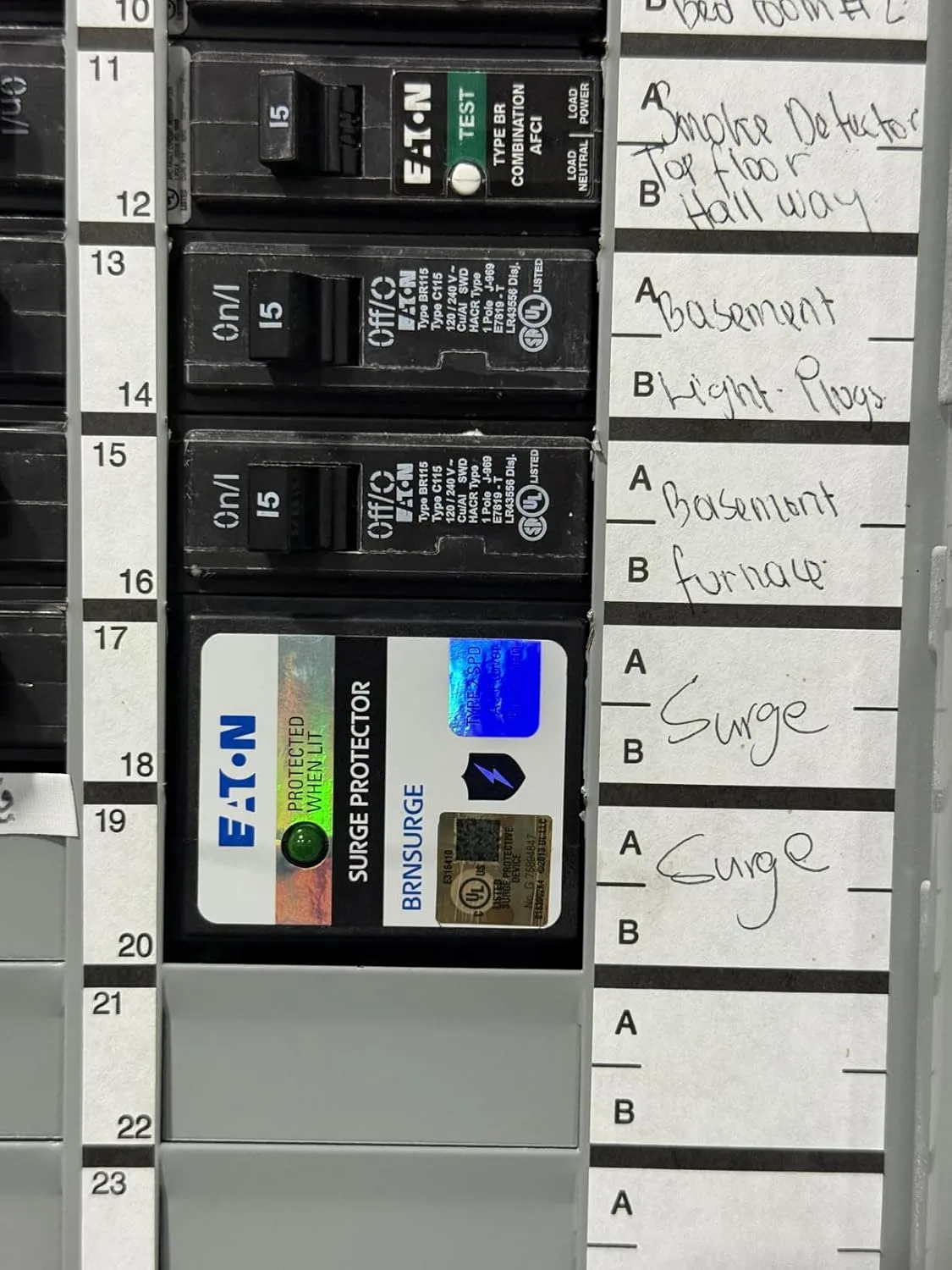
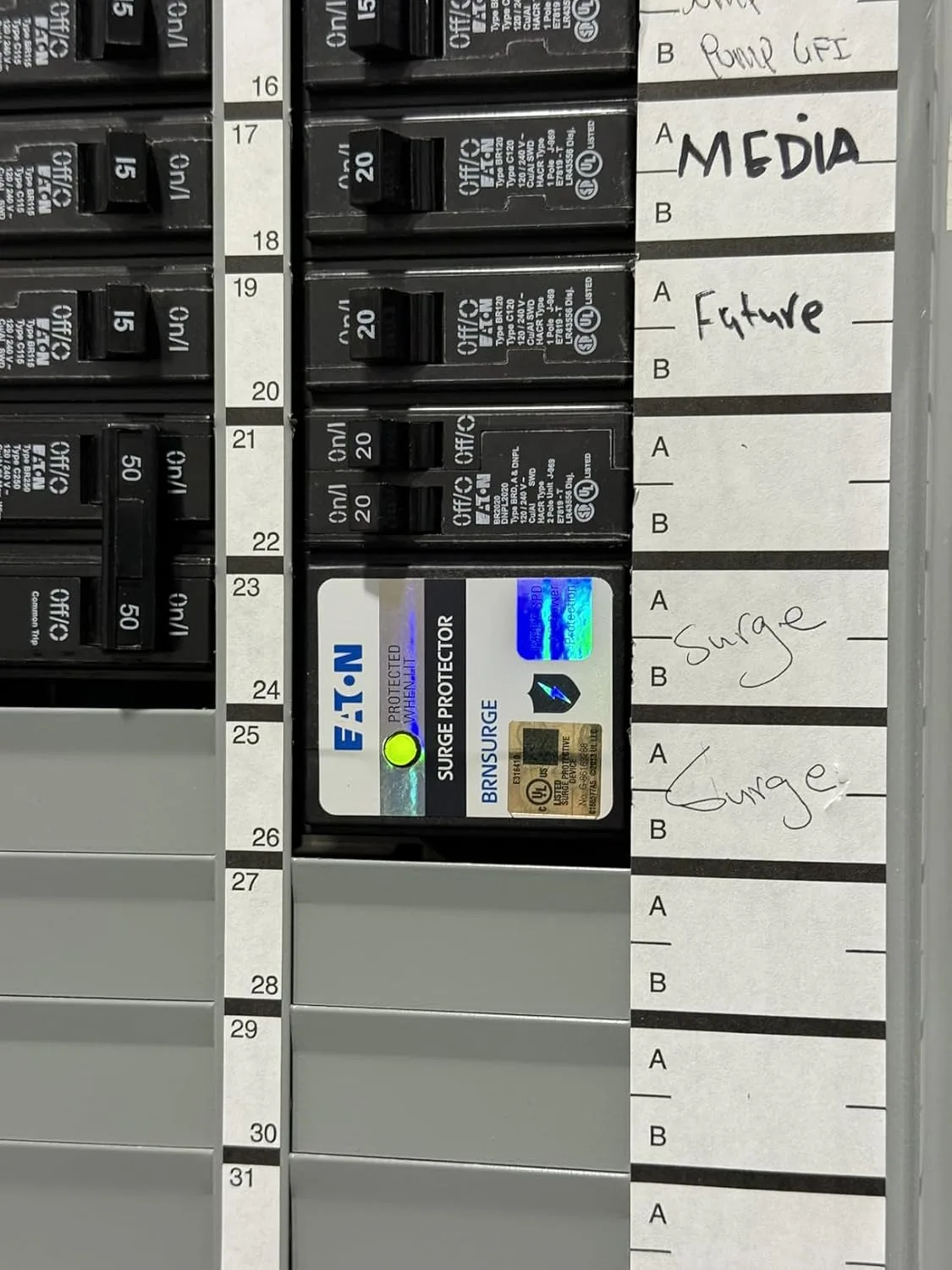
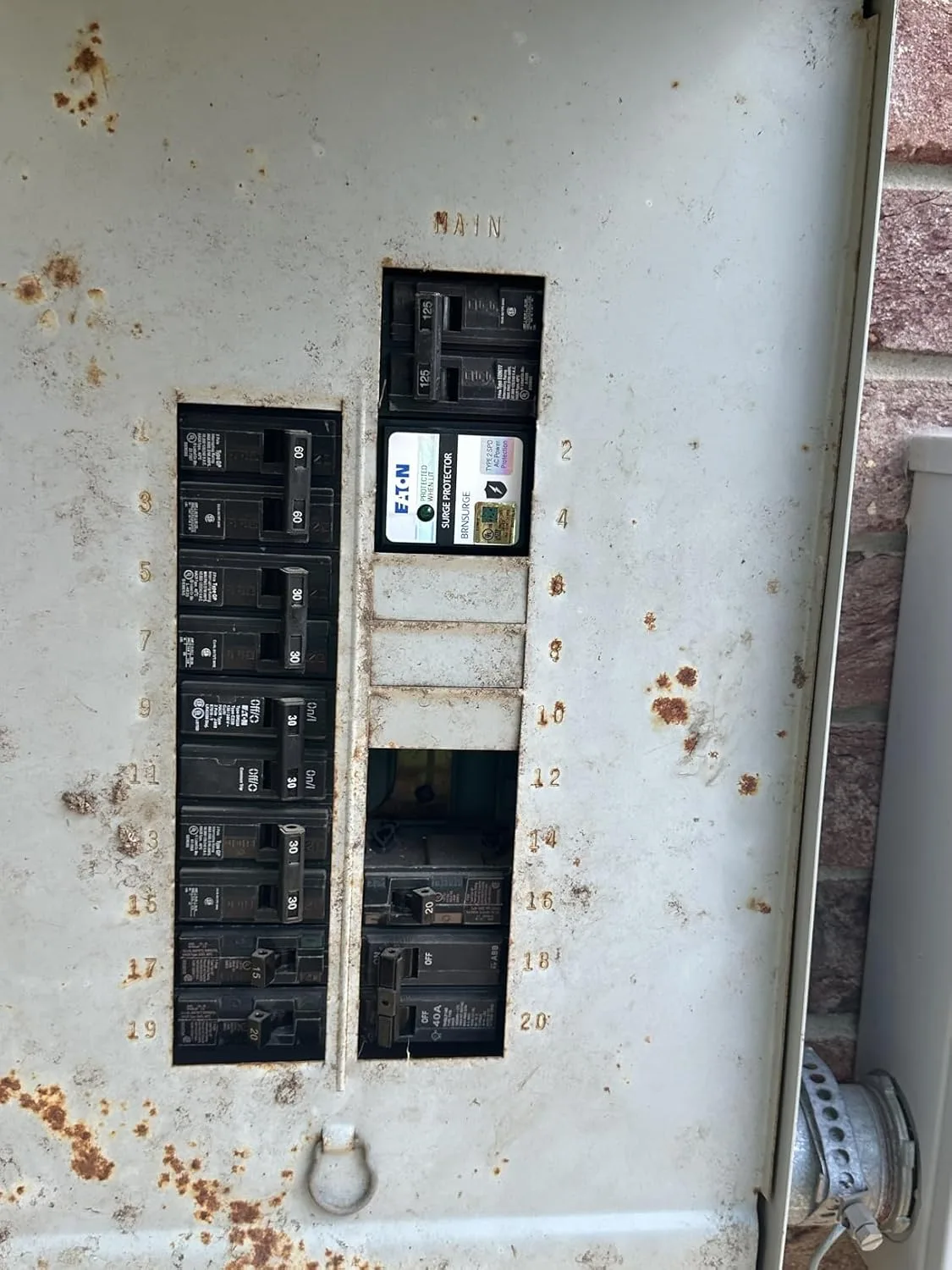
Square D by Schneider Electric HOM2175SB Homeline
This is the unit I install for clients on Homeline panels — check your panel brand, then have your electrician add it on the next service call.
Fits Square D Homeline load centers only — not QO, Eaton, Siemens, or GE panels. Check the label inside your panel door first.
Check Price on Amazon →This post contains affiliate links. As an Amazon Associate, I earn from qualifying purchases at no extra cost to you.